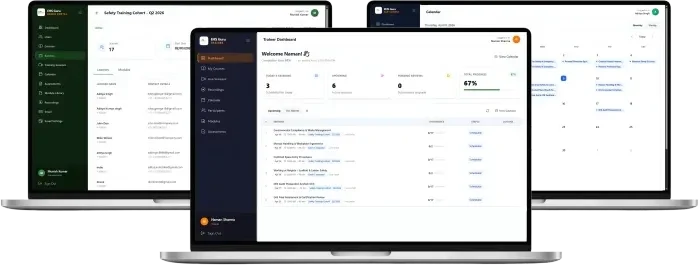
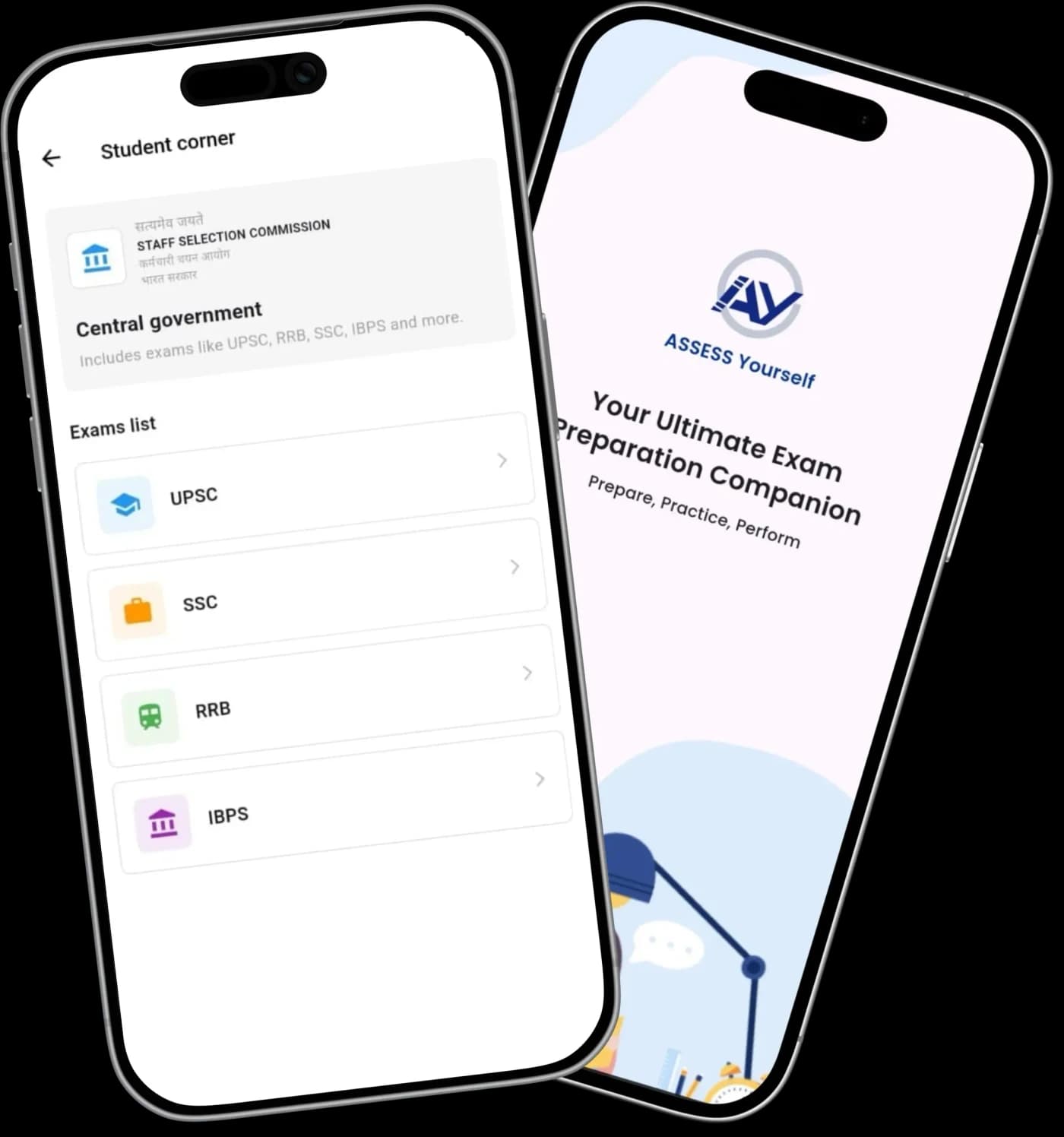
Assess Yourself
An offline-first mobile testing app built to handle timed papers that survive phone calls, battery savers, and interruptions.
Admit card · Case study 01Status: Delivered · launching soon
- Client
- Aptellic
- Platform
- Mobile app, Flutter
- Stack
- Flutter · Node.js · Firebase
- Timeline
- 3-4 weeks
01 · The brief
One app from “which exam?” to exam day
- Industry
- Education, exam preparation
- Service
- Mobile app design and development
What did Aptellic need?
ANS.One app where students preparing for UPSC, SSC and MPSC could find an exam, check its details and practise, instead of gathering it all from many different places.
What made it hard?
ANS.A large question bank lived in Excel files with two layouts, Marathi numerals and image-based answers. And a timed paper of 60+ questions couldn't be lost when the phone closed the app.
What shipped?
ANS.A Flutter app with exam discovery, a full test engine, instant analysis and a 15-day free trial, plus an upload that turns Excel files into ready-to-use tests.
- 3–4weeks
To deliver the app
- 2Excel formats
Turned into live tests
- 60+questions
In a single timed paper
- 15day trial
Then paid plans
02 · Exam discovery
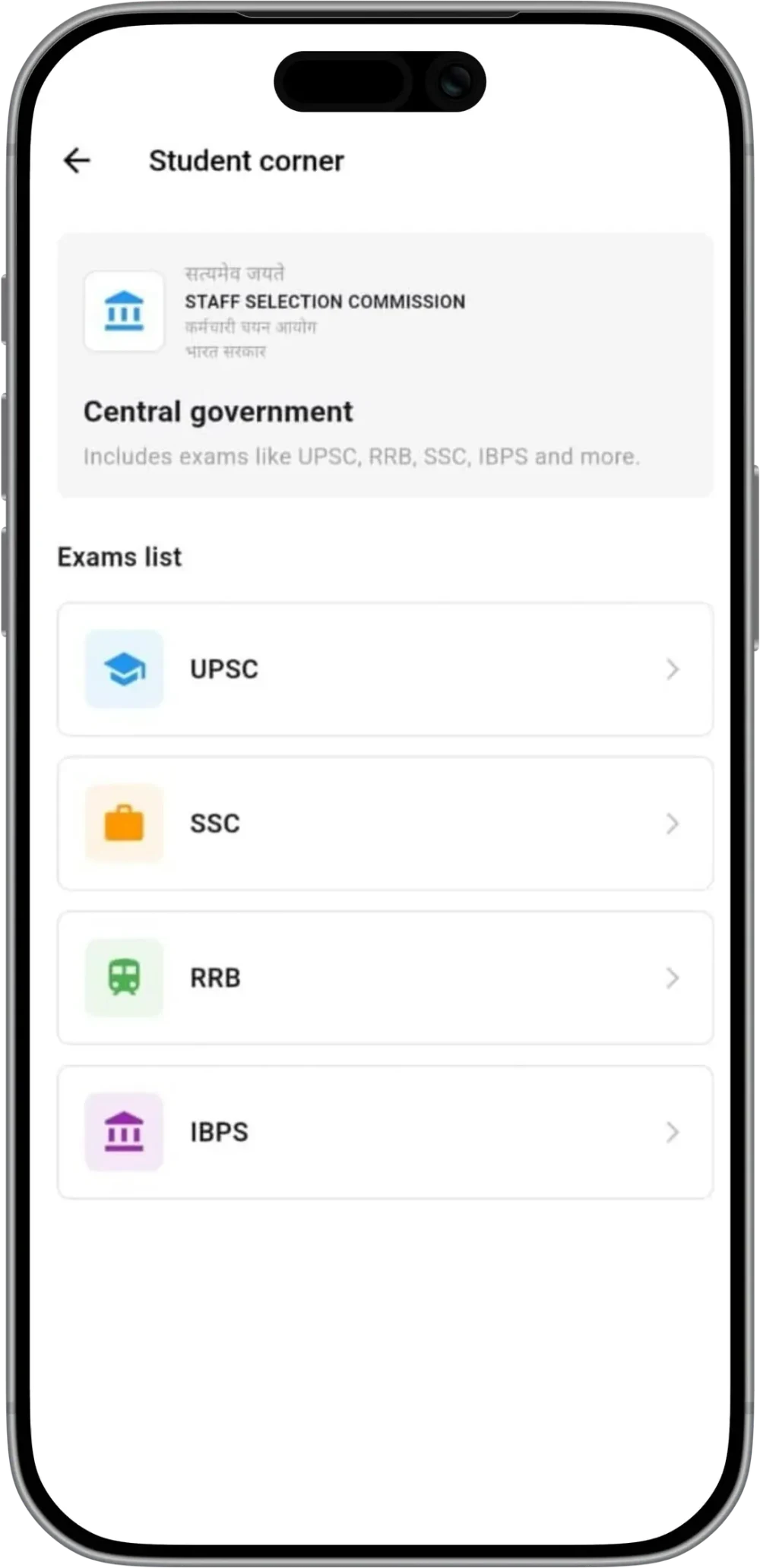
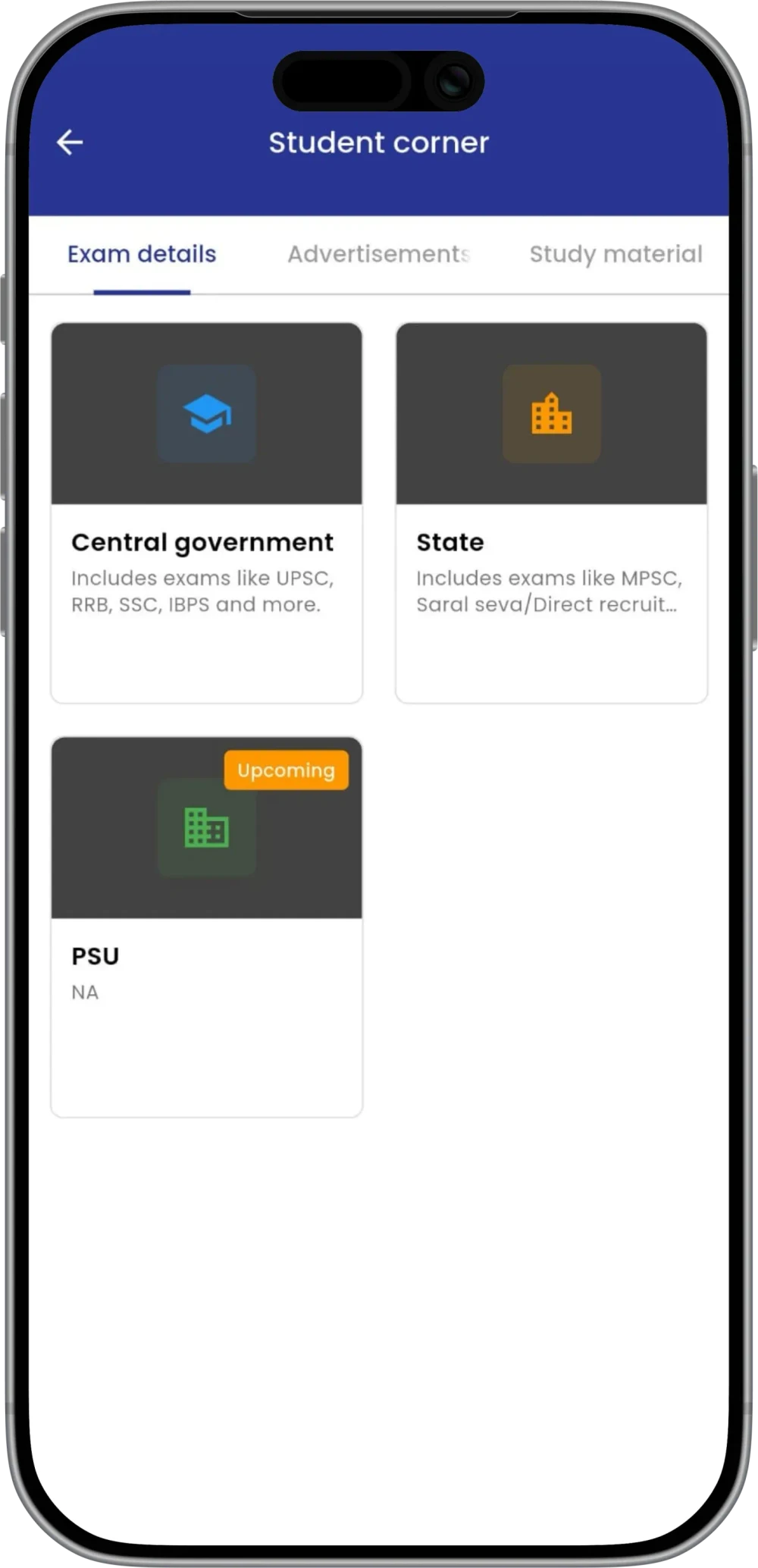
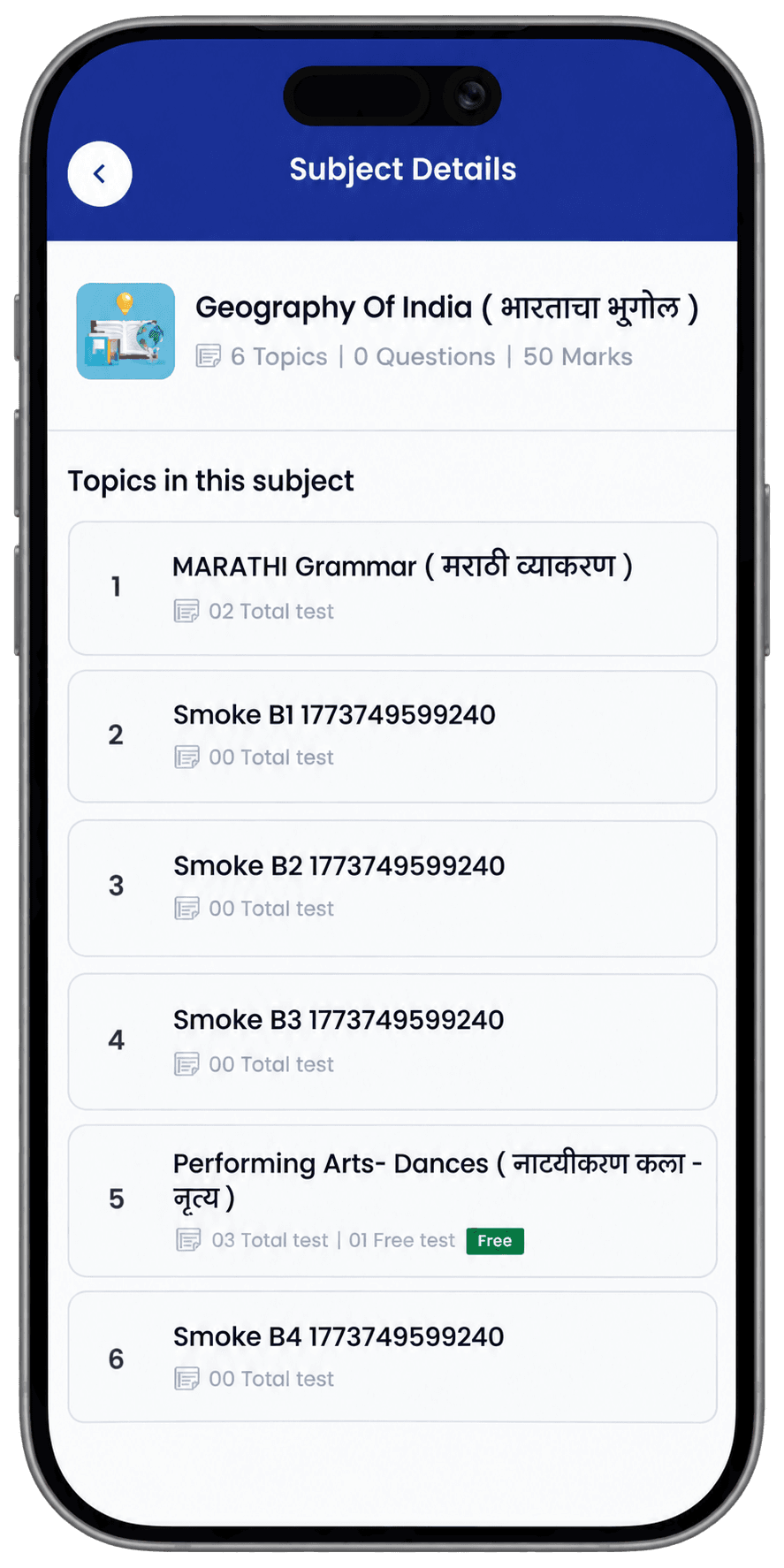
Structured syllabi, one student corner
Students start from their target certification, not an empty search bar. National and regional tracks sit in one clear hierarchy, and each examination has its own hub with notices and study material before testing begins.
03 · Exam day
A timed paper that survives the phone
- Before
Pick a paper
A previous-year paper, a practice test, or a live test that opens and closes on schedule.
- 0:00
Start the clock
Up to 60+ questions against a strict time limit.
- Mid-paper
Mark for review
Flag a question, move on, and come back to it before submitting.
- The worst moment
The app gets closed
Android kills it, the phone crashes, or a thumb slips.
- Reopen
Carry on
Answers, review marks and the time already spent come back exactly as they were.
- Submit
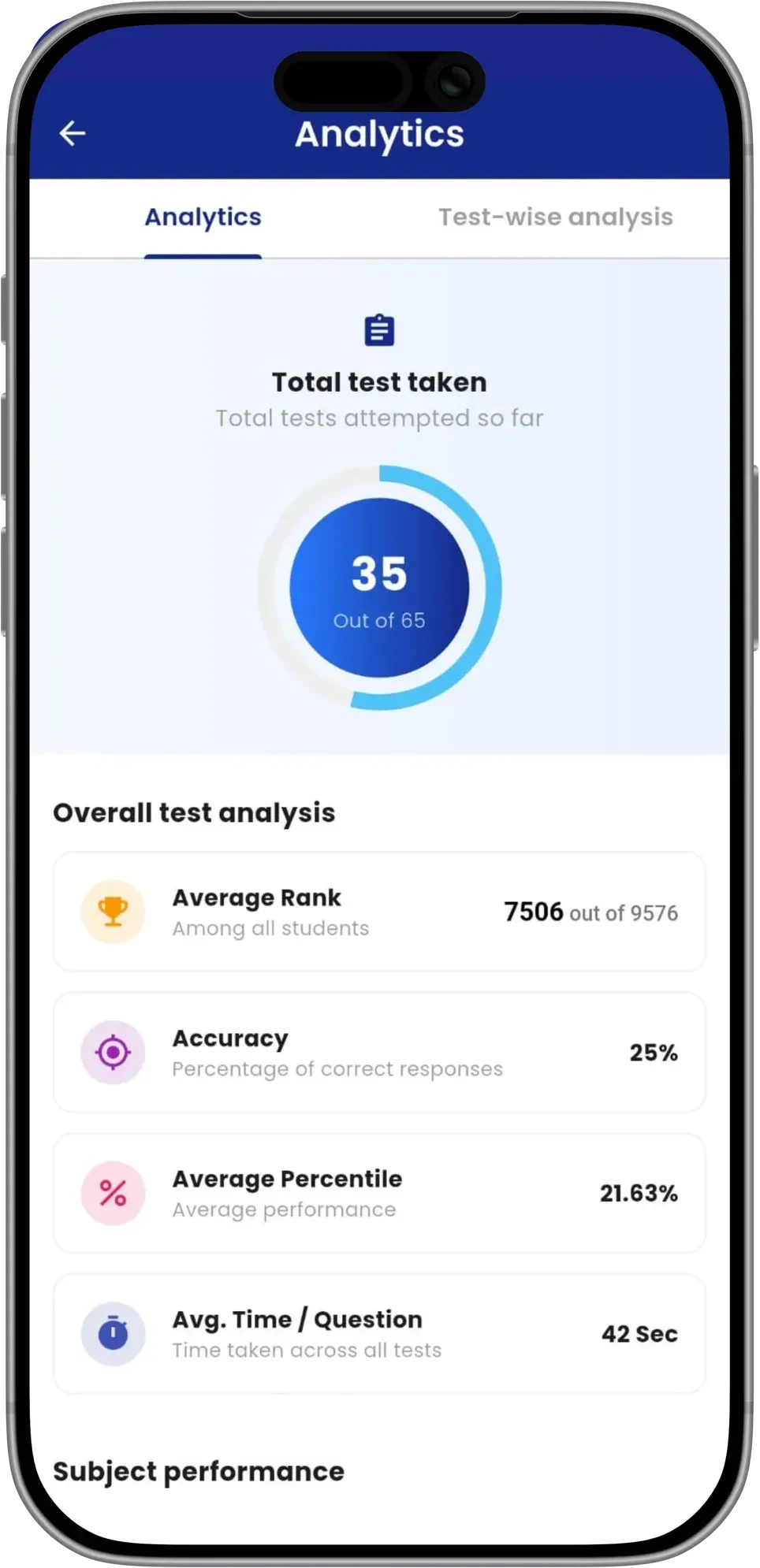
Instant analysis
Score, rank, accuracy and time per question straight away, with every past test kept in the history.
04 · The question bank
Excel in, clean tests out
Excel files
From the client's content team, as they already format them.
Multi-script schemas · Formula columnsRead both layouts
Text and image-based answer options included.
One importerCheck every row
Rows that need a fix are listed; the rest carry on.
Row-level error reportReady-to-use tests
Questions land in the app, grouped by exam and subject.
No retyping
The content team uploads a file. Anything that needs fixing is flagged by row; every other question goes live. That's how new exams reach students from a single upload.
05 · The hard parts
Three problems we had to get right
Two Excel formats
Question files came in two distinct column layouts, sometimes switching mid-archive.
One importer reads both automatically without needing manual reformatting.
New exams go live directly from the team's existing spreadsheets.
Marathi numerals + image answers
Subjects used regional numerals, and complex maths relied on image-based answers.
The parser treats images as valid answer choices and handles local numeral parsing.
Every subject can be imported and tested, not just English text.
Test must survive app closure
Android aggressively kills background apps, which would wipe a 60-question test.
The app commits state to local storage on every tap, instantly.
A student can reopen a closed app and carry on exactly where they left off.
Want an app built
like this?
Start with a free 20-minute call about your idea.
Book a free 20-minute call06 · Judgement
What we chose not to build
- Decision 01
Recurring auto-pay
We deliberately left this out of v1 because it wasn't necessary to validate the core product. A simple one-time payment flow was enough for launch.
- Decision 02
A custom question CMS
Instead of building a massive custom dashboard to type out questions, we built an importer for the Excel files the team already used. This saved weeks of dev time and training.
07 · Result
weeks
to deliver the app to Aptellic.
- ContentNew exams go live from a single Excel upload.
- StudentsExam discovery, timed tests and instant analysis in one app.
- StatusDelivered, launching on the Play Store soon.
Under the hood
Architecture and the decisions behind it.
Under the hood
Architecture and the decisions behind it.
- The test resumes exactly where you left offTest state saved locally
- Trial access is controlled securelyServer-side trial rules
- Excel errors are caught row by rowRow-level import validation
- The app talks to a dedicated backendExpress · Firebase Functions
- Trial rules live on the server. The app never decides who is on a trial.
- Row-level error reports on import. One bad row never blocks an upload.
- Content linked by IDs. Each screen fetches only the layer it needs.
- Test state saved after every tap. A closed app resumes where it stopped.
- Uploads handled below Firebase's default parser. Excel files arrive intact.
08 · Conclusion
What this build says about yours
Final answerAssess Yourself
- i.
We ship the core first
3–4 weeks to a working product, not months of empty updates.
- ii.
We design around real failure points
A test shouldn't disappear because a phone closed or the OS paused the app.
- iii.
We build for the next version, not just the first demo
The architecture supports new exams, tests and content without rebuilding the app.
The same goes for your app: a clear scope, a new working build every week, and code you own.